
Free UPC Barcode Generator: Create Valid Barcodes Online in Seconds
Take a look at almost any product on a store shelf and you’ll find the same thing near the bottom of the package: a cluster of black lines sitting above a string of numbers. It’s easy to walk past a barcode a hundred times without ever thinking about where it comes from. But for anyone actually running a business — packing products, listing them online, or getting them ready for retail — that little code becomes something you need to understand, and fairly quickly.
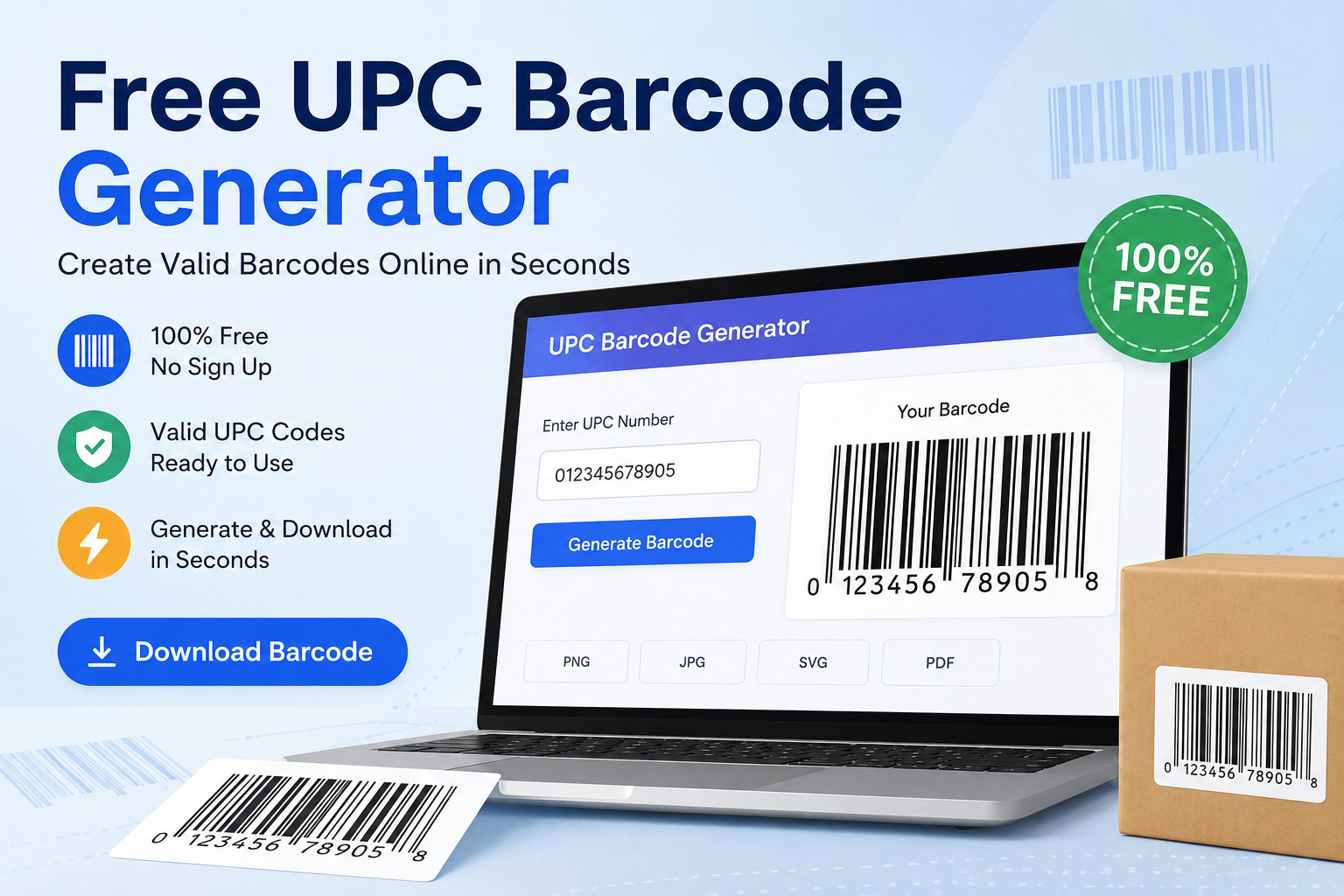
The good news is that producing one isn’t nearly as technical as it looks. If you already have a UPC, EAN, or GTIN number assigned to your product, the only thing left to do is turn that number into a barcode you can actually print. That’s really all a Free UPC barcode generator does, and tools like the GetMyTracks UPC EAN GTIN Generator let you do it straight from a browser, without downloading anything or learning specialized design software.
So What Exactly Is a UPC Barcode?
UPC — short for Universal Product Code — is one of the barcode formats you’ll run into constantly in retail. It’s the visual representation of a number, and that number belongs to a bigger family called GTIN, or Global Trade Item Number. A standard UPC is a 12-digit GTIN, usually written as GTIN-12. If you’ve spent time in European or international markets, you’ve probably come across EAN instead, which is typically a 13-digit GTIN-13.
Here’s something worth clearing up, because it trips people up more often than you’d expect: the barcode itself doesn’t hold your product’s price or description. All it really does is point to a number. That number is then matched against a database — at the point of sale, in a warehouse system, wherever — and that’s where the actual product details live. The barcode is just the key, not the file.
How a Barcode Generator Actually Works
There’s not much mystery to the process once you sit down and try it. You type in your UPC, EAN, or GTIN number, pick the barcode format you need — UPC-A and EAN-13 cover most situations — and the tool builds the barcode for you. You’ll want to glance over the result before using it anywhere, just to make sure it looks right, and then you can drop it straight into your packaging file or print it for a label.
What makes an online generator appealing is that you skip the part where you’d otherwise be manually spacing out bars or paying for a barcode application you’ll only open twice a year. For a small business owner updating labels occasionally, or a designer who just needs a barcode to finish a packaging mockup, that convenience adds up.
Untangling UPC, EAN, and GTIN
People use these three terms almost interchangeably, and honestly, it’s not hard to see why — they’re closely related, just not identical.
GTIN is the umbrella term. It covers several different number formats used to identify trade items around the world. UPC is really just the common name for GTIN-12, the format most associated with North American retail. EAN, on the other hand, refers to GTIN-13 and shows up far more often in Europe and other international markets. There are also less common formats — GTIN-8 and GTIN-14 — reserved for specific packaging situations.
The format you pick shouldn’t come down to a guess. Retailers, marketplaces, and trading partners often have their own requirements, and GS1 (the organization behind these standards) recommends checking with whoever you’re supplying before locking in a format.
Where a Barcode Actually Gets Used
It’s easy to think of barcodes as something that only matters at checkout, but they show up throughout the supply chain. Packaging artwork almost always needs one built in before it goes to print. Online sellers run into UPC or GTIN requirements the moment they try to list a product on a major marketplace. Warehouses lean on barcodes for inventory tracking, because scanning is simply faster and more accurate than manual counts. And for retailers and suppliers, a shared, standardized identifier is what makes ordering and receiving stock manageable at scale.
A Barcode Generator Won’t Register a GTIN for You
This is worth repeating because it’s a genuinely common mix-up: generating a barcode image is not the same as obtaining an official product identifier. A barcode generator turns a number you already have into something scannable — it doesn’t create or register that number for you.
If you’re launching a brand-new product and don’t yet have a GTIN, that has to come from GS1 directly, since they’re the organization that assigns and guarantees uniqueness for official GTINs. Once you have the number in hand, generating the barcode is the easy part.
Before You Send It to Print
A few quick checks can save you from a costly reprint. Double-check the number itself — even one wrong digit produces an entirely different, invalid barcode. Confirm you’re using the format your retailer or platform actually expects, since UPC-A and EAN-13 aren’t always interchangeable in practice. And pay attention to print quality: barcodes that come out too small, blurry, or stretched can fail to scan even if the underlying data is correct. If it’s headed for commercial packaging, it’s worth testing an actual printed copy rather than trusting the digital preview alone.
Why People Reach for GetMyTracks
At the end of the day, a barcode generator should make a routine task faster, not add another layer of complexity. The GetMyTracks UPC EAN GTIN Generator does exactly that — enter your product number, pick your format, and you have a usable barcode in seconds, right in your browser.
Whether you’re a product owner finishing packaging artwork, an ecommerce seller prepping a new listing, or a designer who just needs to drop a barcode into a layout, it’s built to get you there without friction. If you’ve already got your UPC, EAN, or GTIN number ready, generating the barcode itself is the easy part — try it out and see how quickly you can have it done.