
OnePatch OnBuy Integration Explained, Plus Why Sellers Explore GetMyTracks Instead
OnePatch OnBuy Integration is one of the first things sellers search for once manual updates on an OnBuy store stop keeping pace with daily orders, and that search usually leads straight to OnePatch. OnePatch positions itself as a broad connector that links your OnBuy store to dozens of other marketplaces, pulling inventory, orders and product listings into one dashboard. That promise sounds appealing on paper, and for many sellers it genuinely delivers. But the way it delivers that promise is worth understanding before you commit your OnBuy store to it.
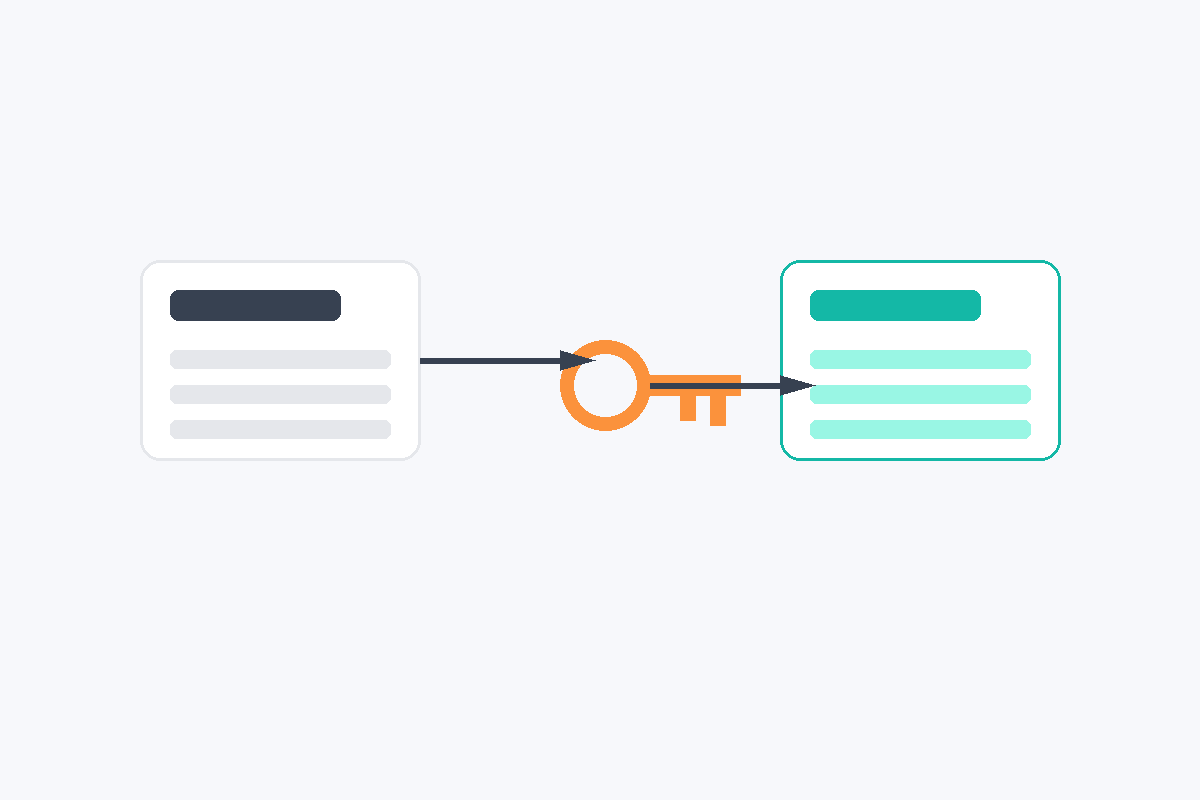
How The OnePatch OnBuy Integration Actually Works
Connecting an OnBuy store to OnePatch is not an instant process, and understanding the steps upfront saves confusion later. You start by selecting OnBuy from the integrations menu inside OnePatch, then generate a test consumer key and secret key directly from your OnBuy seller account. Those test keys get pasted into OnePatch, after which you upload one product to OnBuy manually and submit a support ticket asking OnBuy to approve the connection.
Once OnBuy approves that request, you remove the test integration and reconnect using your live consumer key and live secret key, which puts your OnBuy store into an active syncing state. Sellers also need to know that OnBuy works closely with GS1 for product barcodes, so certain items may need proper registration before they upload successfully. None of these steps are difficult on their own, but together they add up to a setup process that takes real time before your OnBuy store is fully connected.
What OnePatch Handles Well For An OnBuy Store
Once the connection is live, OnePatch does a solid job with the operational basics. Inventory updates automatically across your connected channels, which helps prevent the frustrating situation where an item sells out on one platform while still showing available on your OnBuy store. Orders from OnBuy land inside the same dashboard as your other channels. Invoicing can also be connected directly to your accounting software, so paperwork does not pile up separately from your sales data.
Sellers managing a large OnBuy store alongside other marketplaces tend to appreciate the free onboarding support, since it helps get everything connected properly the first time. OnePatch also offers different package tiers depending on how many channels your OnBuy store actually needs, giving growing sellers room to scale without switching software entirely.
Where OnBuy Sellers Start Feeling The Limits
The setup process is the first friction point most sellers mention, since generating keys, uploading a test product and waiting on a support ticket is more involved than sellers expect at first. OnePatch is built to serve dozens of marketplaces at once. Features tend to be designed for the average seller across every channel, rather than tuned specifically for how an OnBuy store competes for visibility. Pricing decisions, for example, are left almost entirely in the seller’s hands, since the platform does not include a dedicated tool that automatically reacts to competitor price changes on OnBuy.
For sellers whose entire business runs through their OnBuy store, that gap becomes noticeable fairly quickly. It shows up especially once order volume grows and manual price checking starts eating into hours that could be spent elsewhere.

A Different Kind Of Alternative, GetMyTracks
Rather than trying to replace everything OnePatch does across forty or more channels, GetMyTracks takes the opposite approach and narrows its focus down to exactly what an OnBuy store needs most. You can see the current feature set for yourself at https://getmytracks.com/, and the difference in scope becomes obvious once you compare the two side by side. It does not ask sellers to configure a system built for Amazon, eBay, Etsy and dozens of other platforms at once. Instead, GetMyTracks was designed around the rhythm of running an OnBuy store day to day.
Automated Repricing Built Around OnBuy
This is the feature most sellers notice first when they move away from a general multi channel tool. GetMyTracks continuously checks competitor pricing on OnBuy and adjusts your own prices automatically based on rules you control. Your OnBuy store stays competitive without you sitting there refreshing listings all day. Price is one of the strongest signals OnBuy uses when deciding which listing to surface first, and having that adjustment happen automatically tends to translate directly into more consistent visibility.
Order Management Without The Extra Steps
Every order placed through your OnBuy store gets pulled into a single clear view inside GetMyTracks, showing exactly what has been paid, what still needs packing and what has already shipped. There is no separate ticket process or approval wait involved here. The entire system is already built around how an OnBuy store operates from the very first day you connect it.
Bulk Listing That Actually Saves Time
Adding products to your OnBuy store one listing at a time becomes unrealistic once your catalogue grows past a certain size, and this is where bulk listing inside GetMyTracks becomes genuinely useful. A batch of products that might otherwise take an entire afternoon to upload individually can instead go live on your OnBuy store in a fraction of that time. That frees up hours for sourcing new products or handling customer questions instead.

Comparing The Two Approaches
OnePatch makes the most sense for a seller who genuinely operates across many marketplaces and needs one dashboard to hold everything together, even if some OnBuy specific features stay fairly general as a result. GetMyTracks makes more sense for a seller whose OnBuy store is the main priority. Every part of the platform, from repricing to order handling to bulk uploads, was built around that one marketplace, rather than adapted to fit it later. Neither approach is automatically wrong, and the right choice depends on how much of your business actually runs through your OnBuy store compared to everywhere else you sell.
| What You Need | OnePatch | GetMyTracks |
|---|---|---|
| Setup process | Test keys, a sample upload, and an approval ticket before going live | A direct connection built specifically for an OnBuy store |
| Automated repricing on OnBuy | Not included as a dedicated feature | Built in as a core feature |
| Order management | Shared dashboard across all connected channels | A view built around how an OnBuy store actually operates |
| Bulk listing | Available across many marketplaces at once | Focused on getting products onto your OnBuy store quickly |
| Best fit for | Sellers running many marketplaces at the same time | Sellers whose main focus is their OnBuy store |
Final Thoughts
OnePatch remains a capable option for sellers juggling a wide spread of marketplaces, and the OnBuy integration itself works once the initial setup is complete. But if your OnBuy store is where most of your sales actually happen, a tool built specifically around that marketplace tends to serve you better day to day. That means automated repricing, straightforward order management and fast bulk listing, all in one place. You can explore what that looks like at https://getmytracks.com/ and decide which approach fits how you actually sell.
Frequently Asked Questions
Does OnePatch support an OnBuy store directly
Yes, OnePatch includes a dedicated OnBuy integration that syncs inventory, orders and listings once the connection process is completed and approved by OnBuy.
Is the OnePatch OnBuy integration difficult to set up
It involves several steps, including generating test keys, uploading a sample product and waiting for OnBuy approval before switching to live keys, which takes longer than a simple one click connection.
Does OnePatch offer automated repricing for an OnBuy store
OnePatch focuses mainly on inventory, orders and invoicing across many channels, and does not include a dedicated automatic repricing tool built specifically for OnBuy competition.
How is GetMyTracks different for an OnBuy store
GetMyTracks was built specifically around OnBuy selling, with automated repricing, order management and bulk listing as its core features, rather than general multi channel support.
Where can I try GetMyTracks for my OnBuy store
You can visit https://getmytracks.com/ to explore the platform and see for yourself whether it fits how your OnBuy store currently operates.